Make room for your chart.
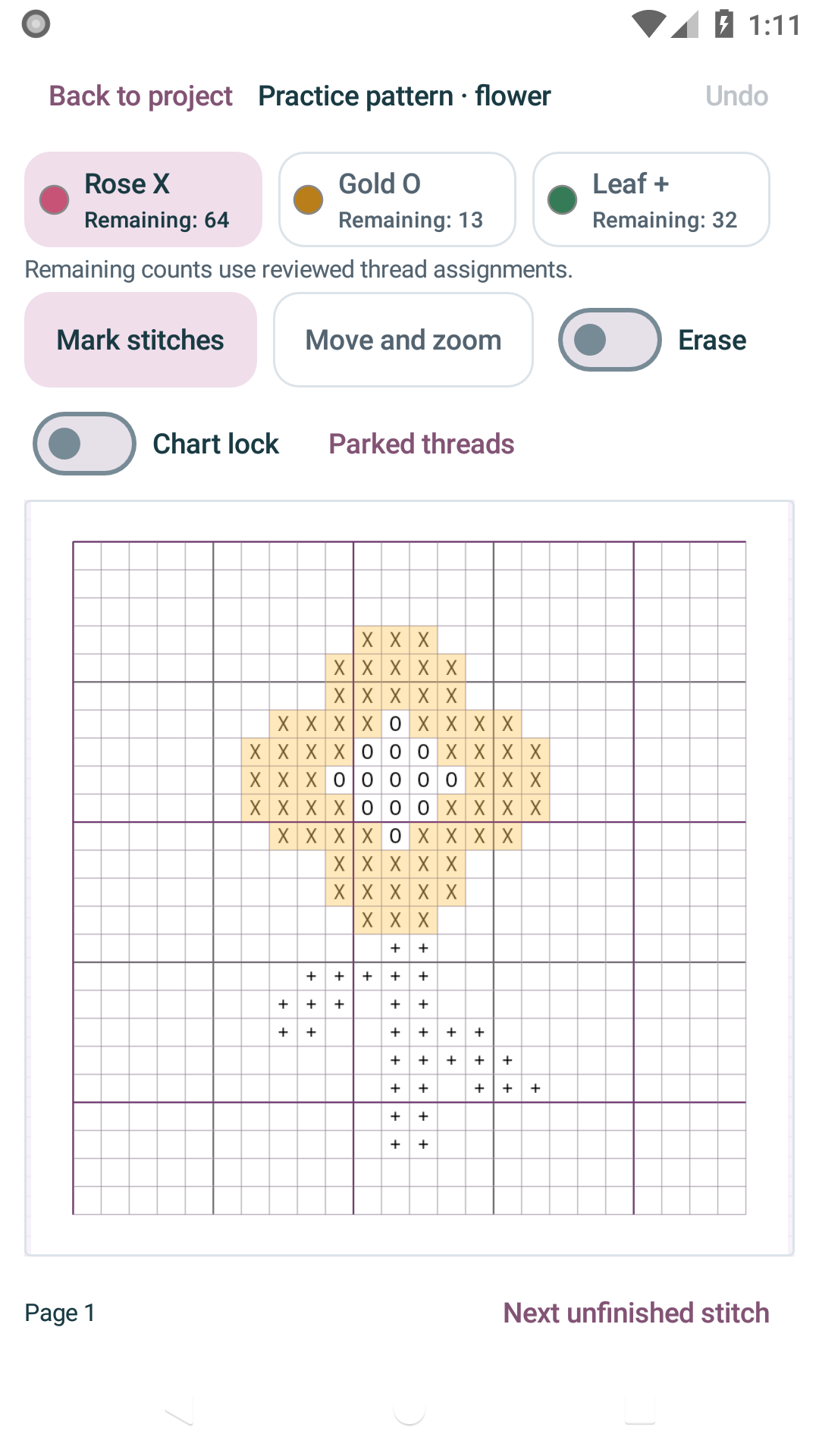
Choose a thread in the focused view. Move and zoom, or lock the chart to protect your marks.
 Stitch TrackerEnglish
 STITCH TRACKER / ANDROID
Your PDF or image chart, your thread choices, your progress. Keep them together on Android.
Get it on Google PlaySee Google Play for the current price, compatibility and availability.
 01 / 04
01 / STITCH TRACKER
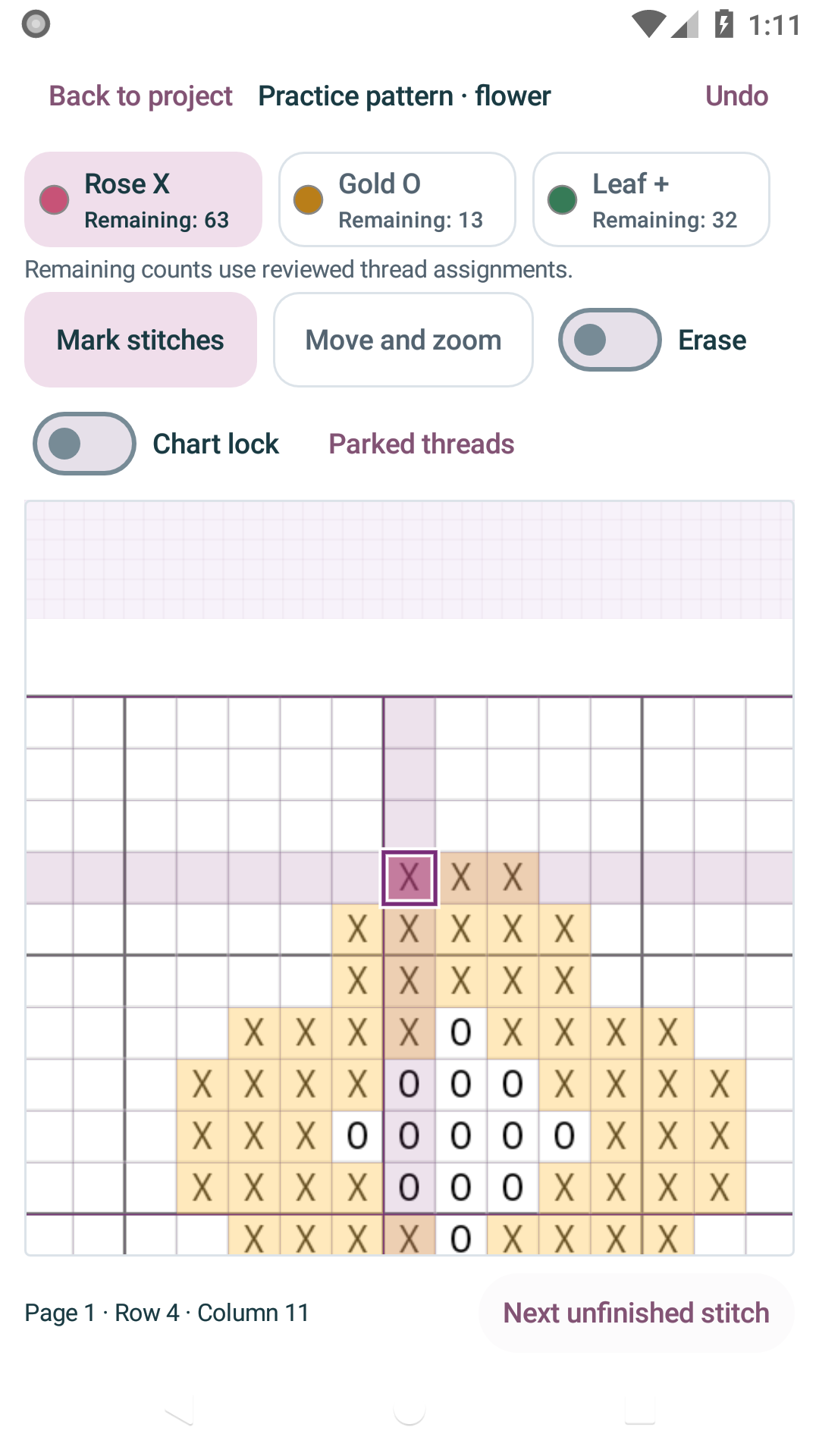
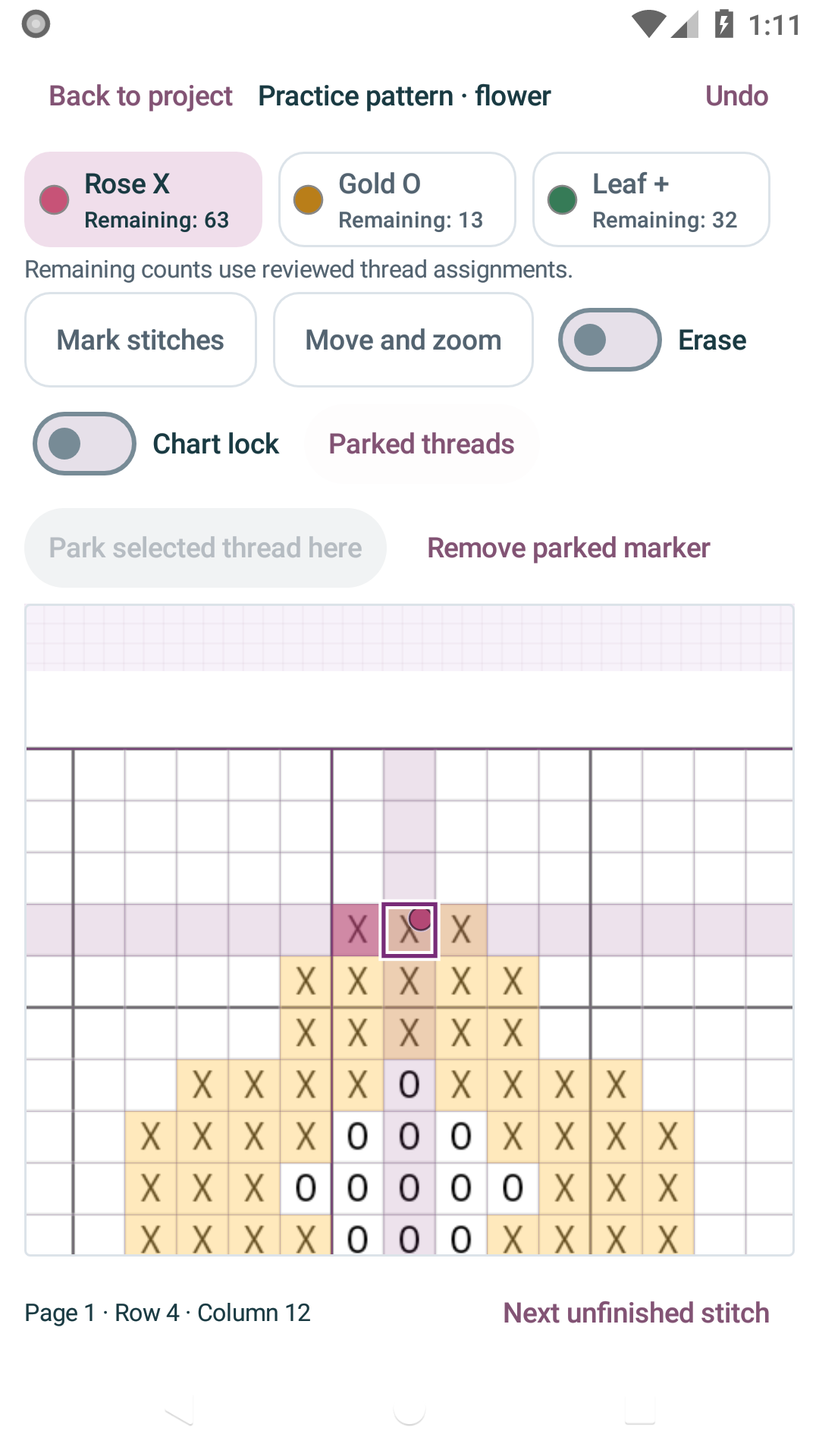
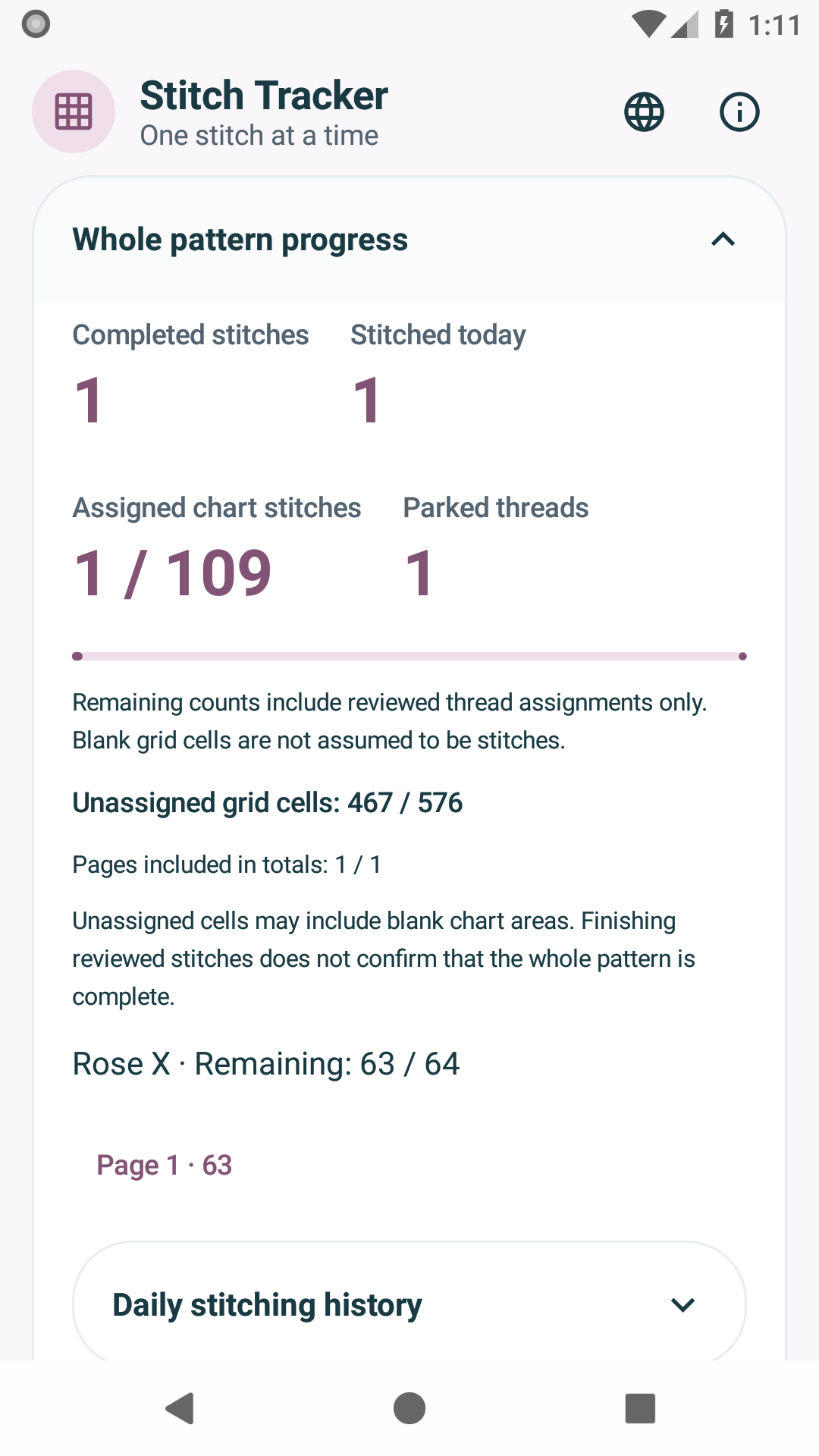
Edited tour of real version 0.6.0 screens with an original practice chart. Silent, with captions. These are still screens, not a continuous operation recording.
02 / STITCH TRACKER
Choose a thread in the focused view. Move and zoom, or lock the chart to protect your marks.
Jump to the selected thread’s next unfinished stitch. Mark it, erase it, or use Undo to correct a change.
Save a parked thread’s position separately from completed stitches. Return without losing your place.
Check today’s stitches and reviewed assignments. Unassigned cells are not counted as known stitches remaining.
03 / STITCH TRACKER
Export a backup with the original chart, grid, legend, dated progress, parked threads and page layout. Review its contents before restoring. Automatic device sync is not included.
04 / STITCH TRACKER
Designed primarily for grid-based cross-stitch charts. Fractional stitches and backstitch shapes are not interpreted individually.
Detection proposes candidates for your review. Folded paper, skewed charts and unusual symbols may need manual adjustment. Unassigned areas are excluded from precise remaining-stitch totals. Automatic identification of branded thread codes and automatic device synchronization are not included.
Join up to 64 pages, with a maximum of two million grid cells per project. Image-symbol matching supports up to 40,000 cells per page. Use the original-page view to inspect fine detail in large joined charts. Daily history includes marks with recorded completion dates; dates are not invented for older marks.
Your PDF or image chart, your thread choices, your progress. Keep them together on Android.
Get it on Google Play