Split the bill your way.
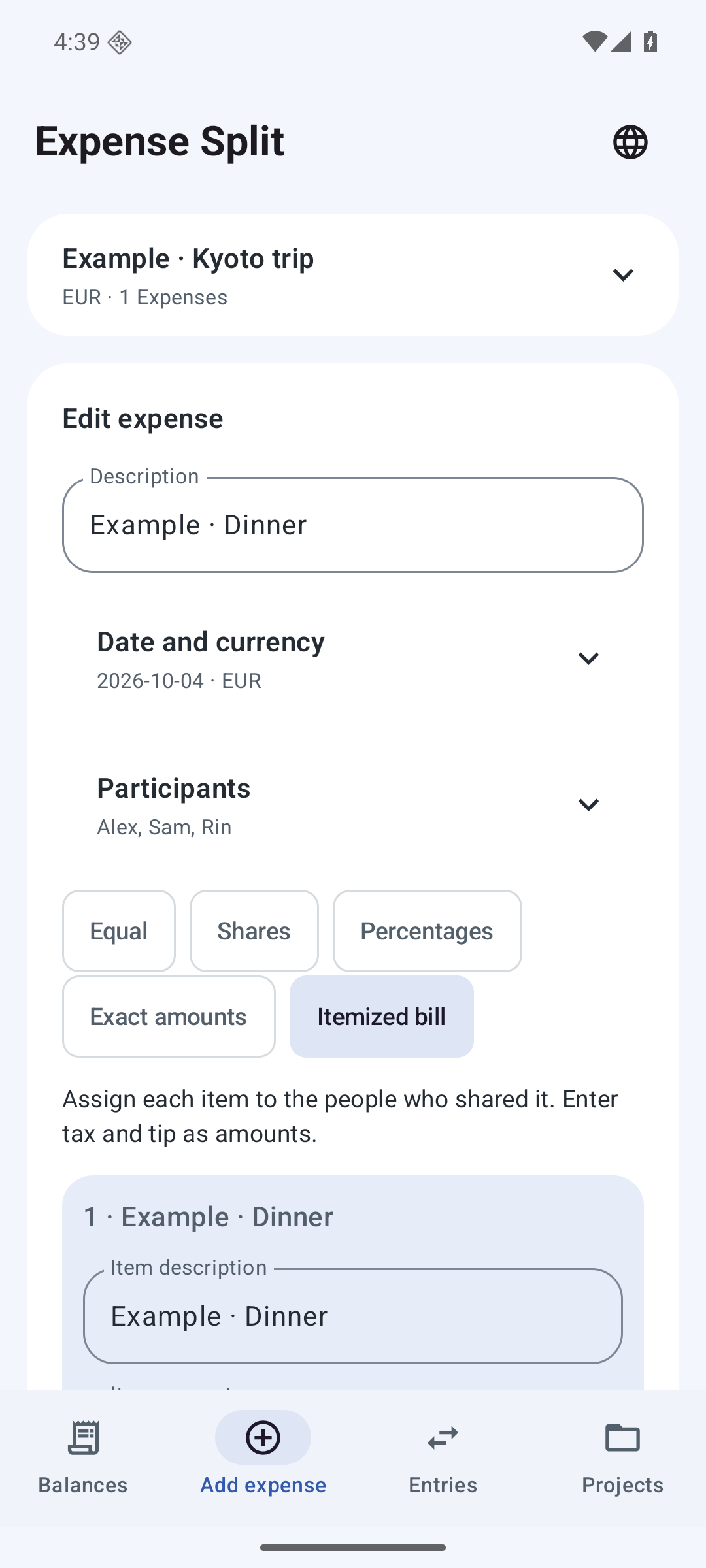
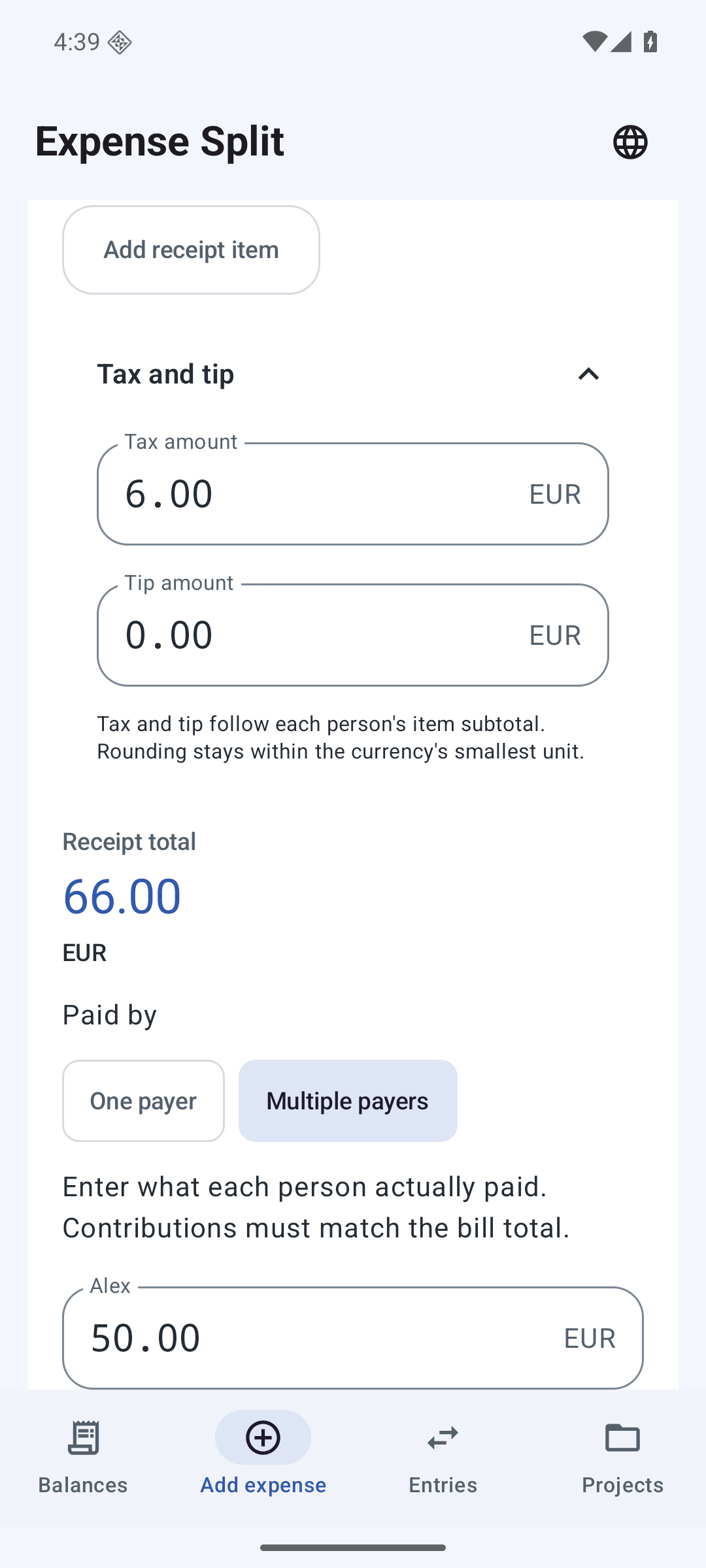
Choose equal shares, weights, percentages or exact amounts. Assign receipt items to the people who shared them; add tax and tip as amounts.
Shared expenses, clearly settled
Dinner, groceries, a weekend away. Keep the shared costs together, divide each bill fairly and see the story behind every balance.
See Google Play for the price in your country. Prices and availability may vary.
 EXPENSE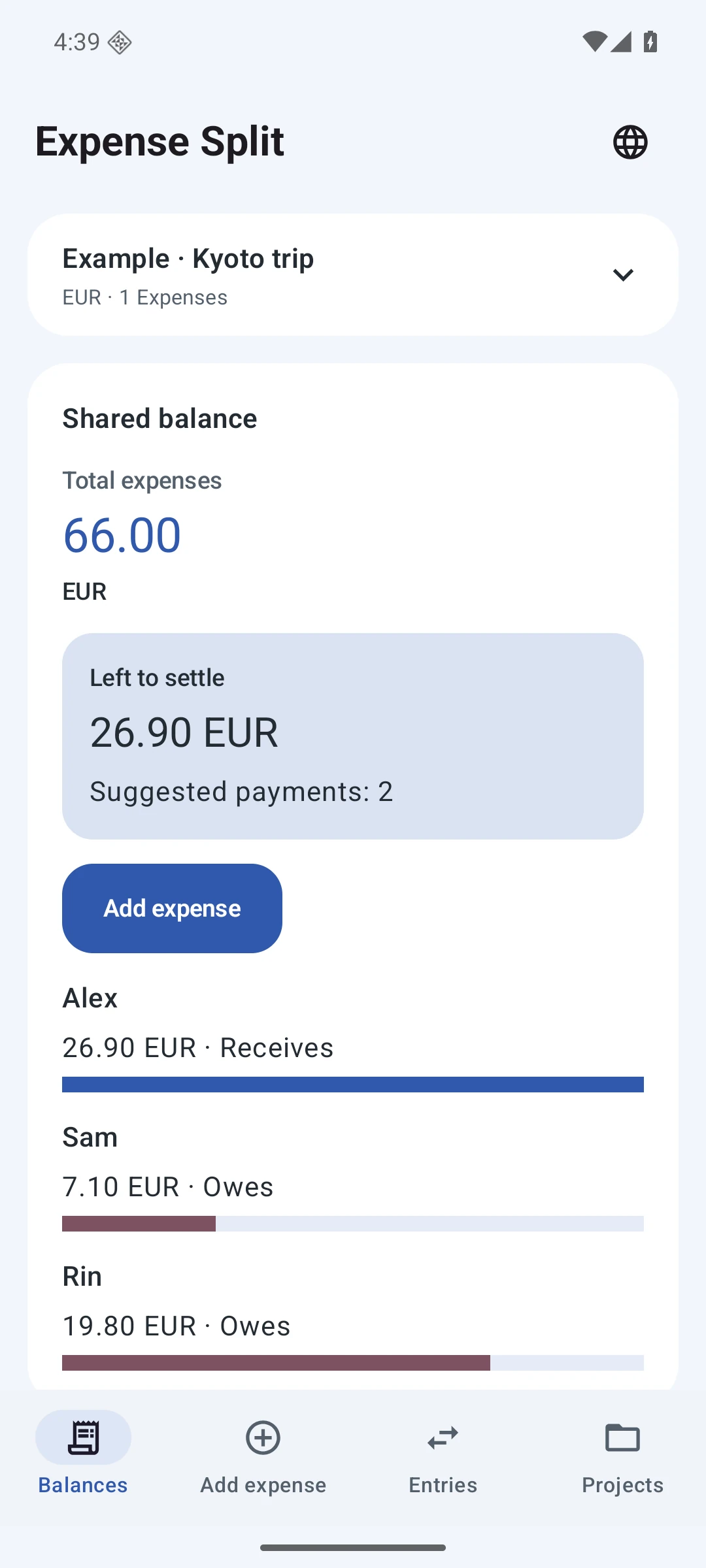
01 / How it works
Choose equal shares, weights, percentages or exact amounts. Assign receipt items to the people who shared them; add tax and tip as amounts.
Record each person’s contribution to the same bill. Contributions must match the bill total before saving.
Keep expenses and repayments together. View settlement suggestions and record full or partial payments after money has changed hands.
Open a personal statement, review the ledger and share CSV or text. Copy a bill into a new draft and use Undo to recover a change.
02 / See how it works
A 40-second edited tour of actual app screenshots, with sample data. No continuous tap recording. Japanese app screens; subtitles in 10 languages.
03 / EXPENSE SPLIT
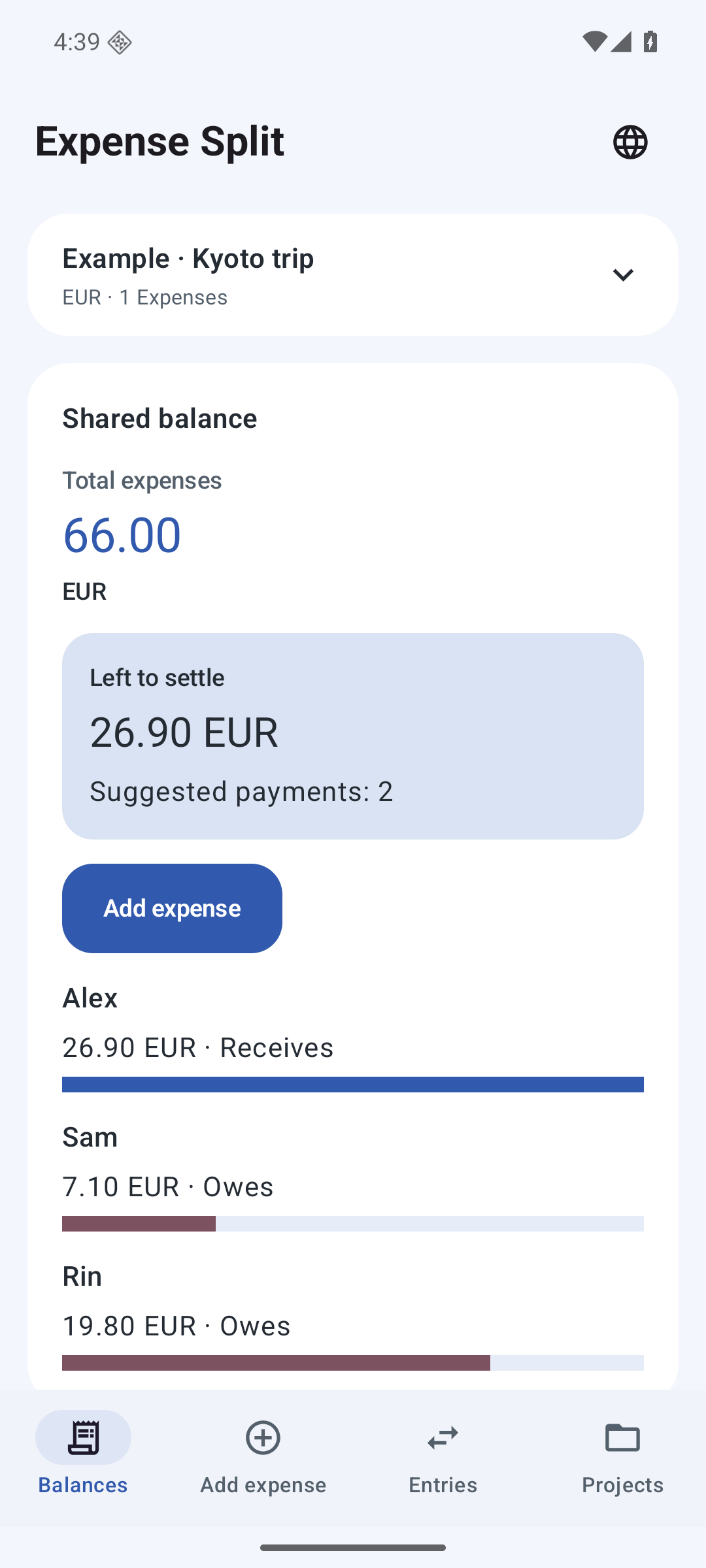
Actual app screens with sample entries. Each page shows the app in the selected language.
 Open full-size image ↗
 Open full-size image ↗
 Open full-size image ↗
 Open full-size image ↗
 Open full-size image ↗
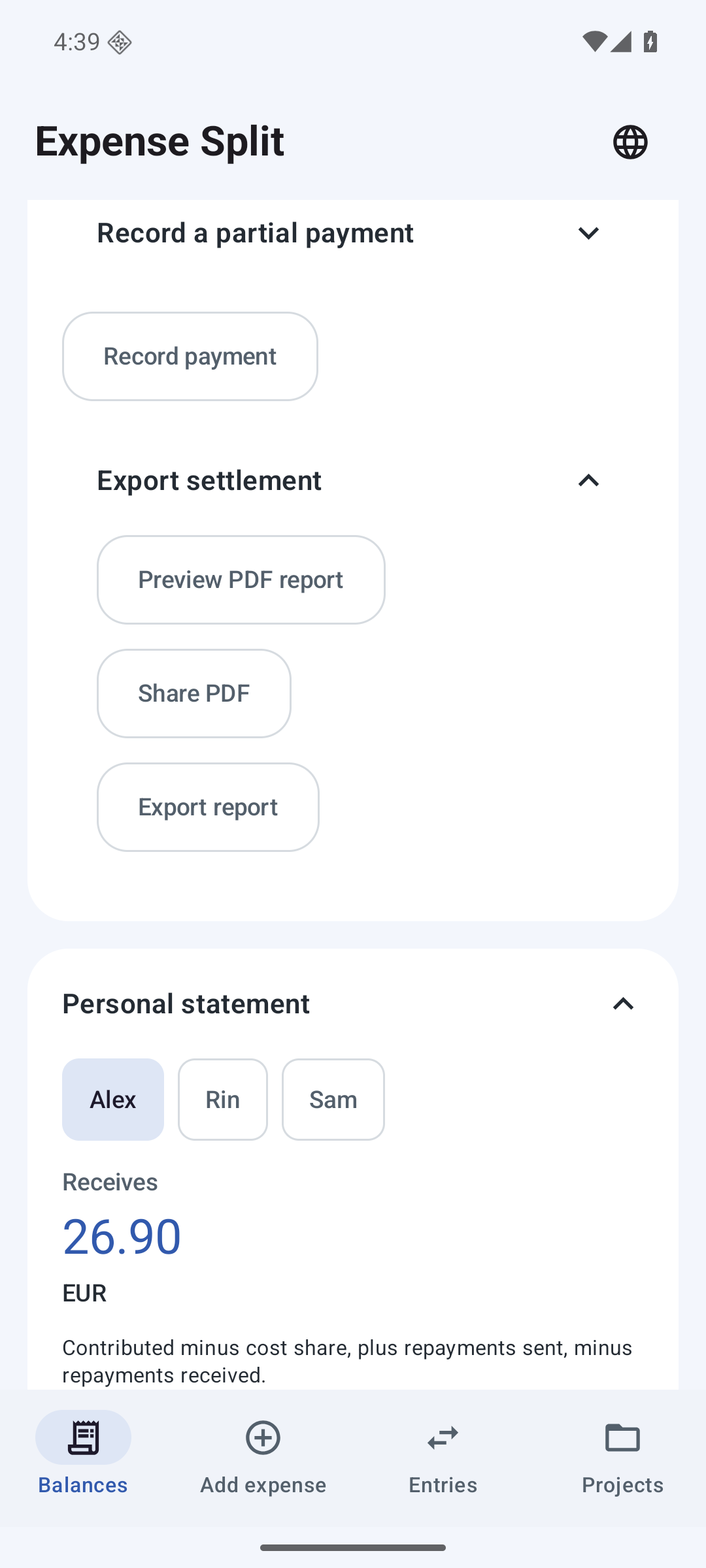
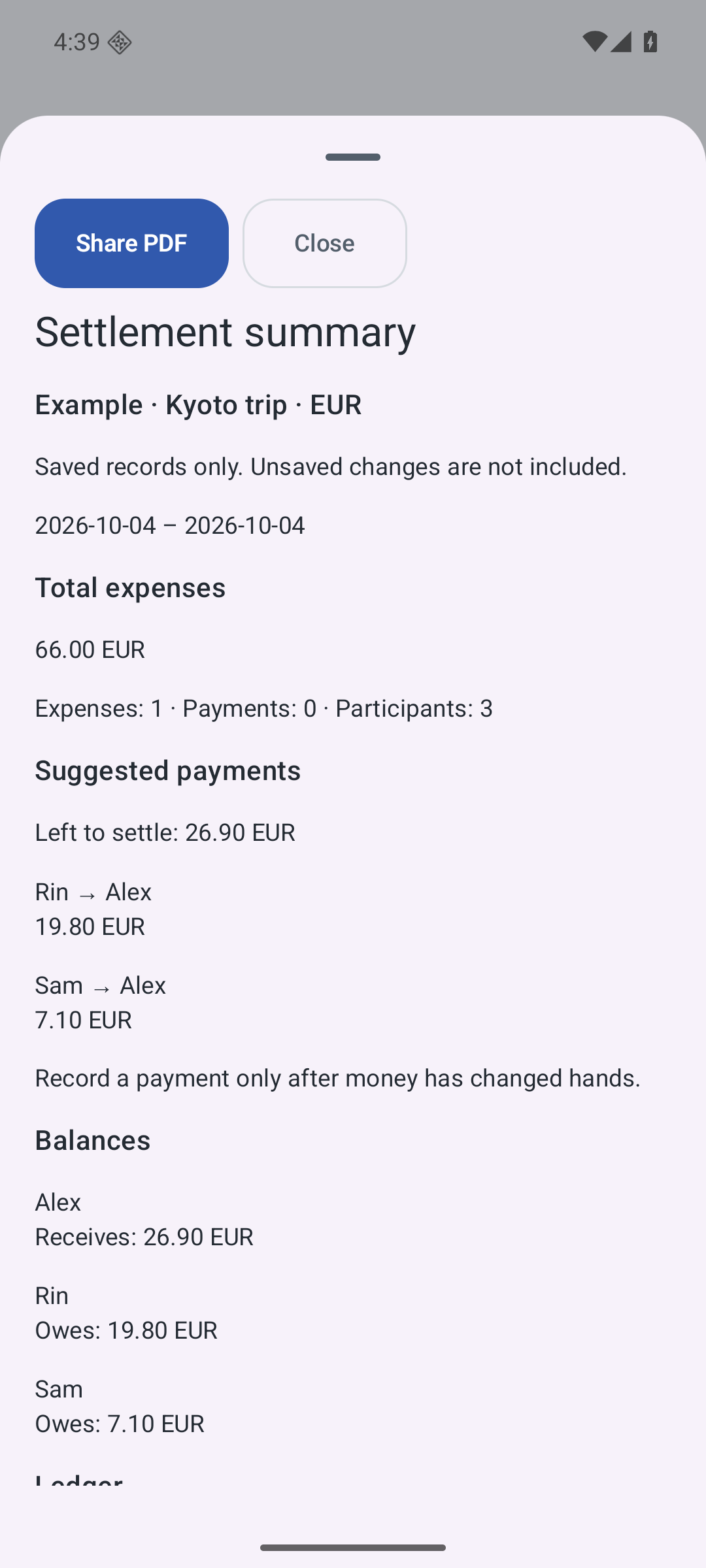
Preview the contents of a group settlement report or personal statement, then share it as a PDF. Only saved entries are included; unsaved changes are excluded.
04 / Features & limits
No account is needed. One person maintains the ledger on their Android device. Other people can receive exported summaries; there is no live co-editing.
No. One upfront purchase includes the local functions, without ads or a daily entry quota. Check Google Play for your country’s price and availability.
The expense workflow works offline after installation. Use separate groups for different currencies and export project backups to keep your records.
One currency per group. Receipts are entered manually. No receipt scanning, currency conversion, live group sync or money transfers. Up to 30 people per expense and 5,000 ledger records. Keep a project backup before clearing app data or uninstalling.
Dinner, groceries, a weekend away. Keep the shared costs together, divide each bill fairly and see the story behind every balance.
View on Google PlaySee Google Play for the price in your country. Prices and availability may vary.